After lockdown ended I made the decision to sell my beloved but admittedly dusty Canon G7X camera as for everyday photography I was finding myself reaching out for my iPhone more & more often, especially once I upgraded to my present model which has 2x zoom and portrait mode.
With the money from the sale of the camera, we decided to buy two different – but more fun – gadgets for capturing photos of our life & family; a Papershoot camera for me, and a DJI Mini SE drone for James. I won’t go into detail about James’s new toy in this post, other than to say he loves flying it, and has taken some great photos and videos with it.



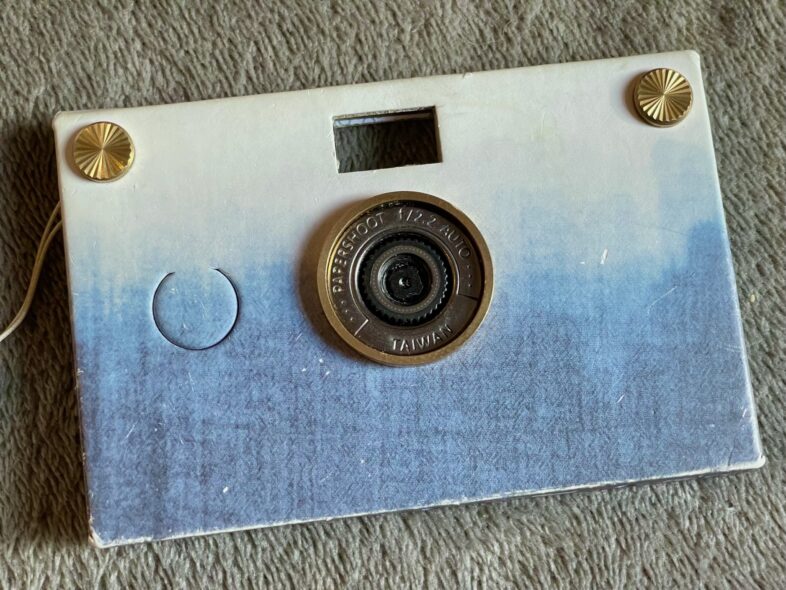
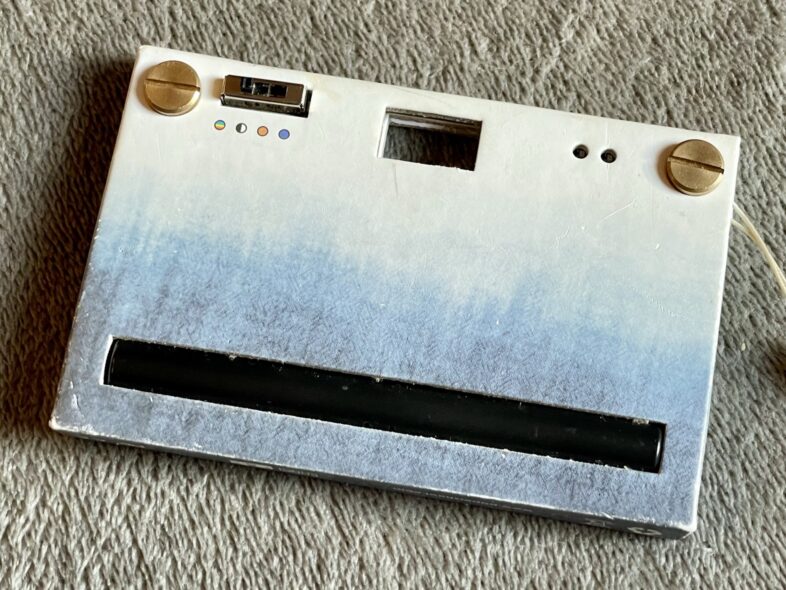
My Papershoot camera is a really fun eco-friendly camera and is sort of a sustainable digital alternative to the disposable film cameras people used to use for holidays or events. It takes digital photos, has no screen, a hole in the case for a viewfinder, and some very basic filters built in, and that’s it. The pictures it takes are comparable to what you would get with a 35mm film camera, rather than looking like a phone camera type digital photo.
I actually love the lack of a screen and having to wait to see how your photos are turning out, it is very reminiscent of having to wait until your film was developed – but without the annoying limitation of only being able to take a few dozen photos.
The camera itself comes as a circuit board with fixed lens attached, with an interchangeable cardboard case & thumbscrews to attach the case. It runs off two rechargeable AAA batteries, which can be charged via USB, and uses an SD card for storage.
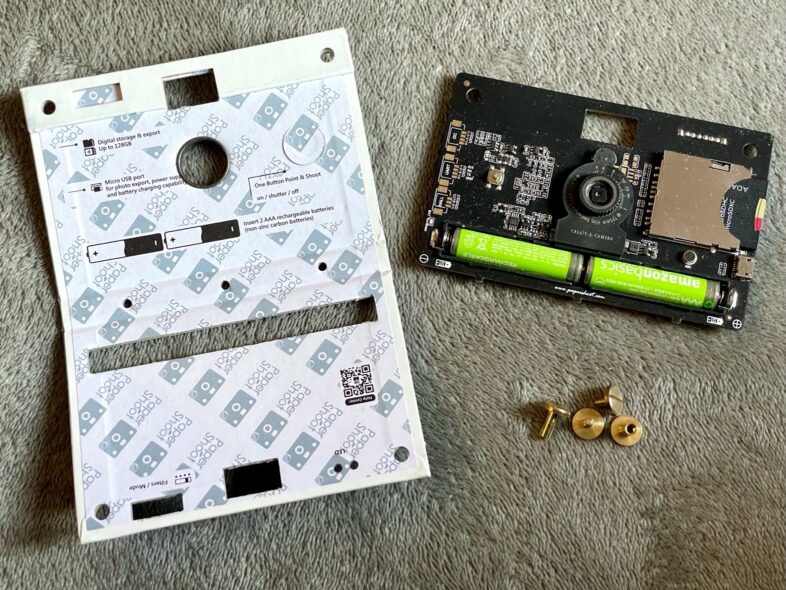
I have the older 16MP version of the camera, and my absolute biggest annoyance with it is that the photos aren’t dated properly which causes havoc with my photo library when I import them to my iPad with an SD card reader. It’s something I would definitely warn people about when talking about the camera – which does get a lot of attention and questions when we use it.
However, it looks like this niggle has been fixed with the new 18MP model, along with improvements to the lenses you can buy to fix to the front (I have a few but they slip easily as they use magnets – the new style uses screw fittings). They have some new fun accessories for the 18MP version too, including a ring light in lieu of a flash, and filter cards to add more options for tone and style. Unfortunately I cannot justify buying a new one so I will have to live without all these improvements & fancy new toys!
Here are a few of my favourite shots from my Papershoot – some of which have been taken by the girls:
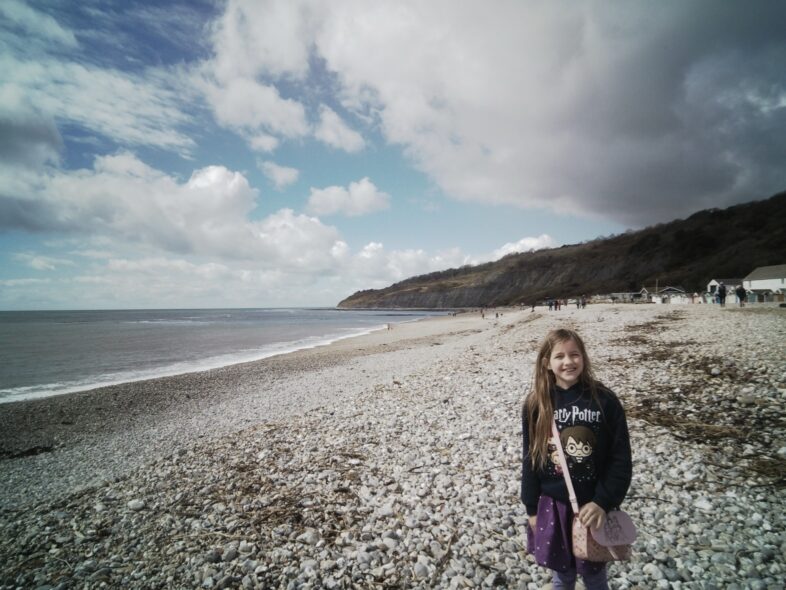

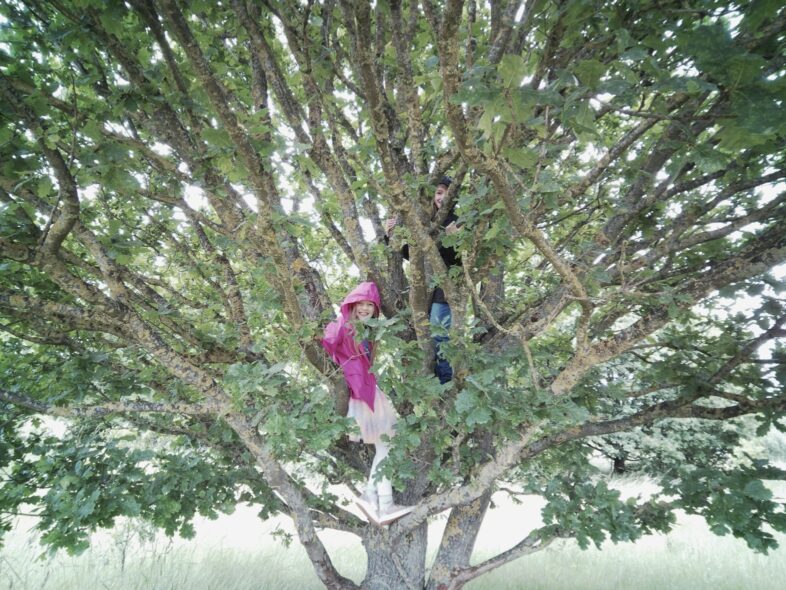
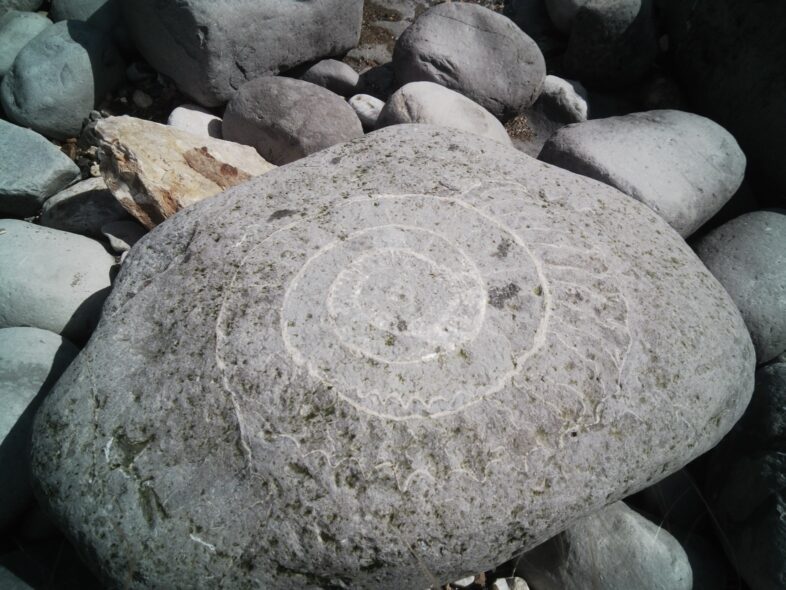


It actually makes a great camera for older children like Georgie & Lydia, who love to run off with it on days out or family events. I don’t particularly like them clambering around beaches and so on taking photos with my expensive iPhone, but this is durable enough to dropped or bashed on rocks without taking more than a bit of cosmetic damage to the cardboard. I have added a basic wrist strap to mine for both mine & their sake, however.
Many years ago, I reviewed the HP Sprocket. While I did enjoy the printer and loved the fun of having mini prints of my photos, I haven’t been overly impressed with the quality or longevity of Zink prints. So, for my (early!) Christmas present, James got me a Kodak Mini 2 Retro printer.

The Mini 2 Retro using dye sublimation to print 2.1 x 3.4 inch photos, which are the perfect size for including in journals or even slipping into your wallet or purse. We did a fair bit of research into small portable printers when we were choosing which model to buy, and there are three different print methods that are in use; Zink (zero-ink) paper, instant film (like a polaroid photo), and dye sublimation.
How it works is each colour (yellow, cyan, & magenta) is printed in layers to build up the photo, and then a protective lamination film is applied on top. It’s actually great fun to see the photo come partially out between each layer, as you can see the build up of your photo print. The girls find it fascinating!

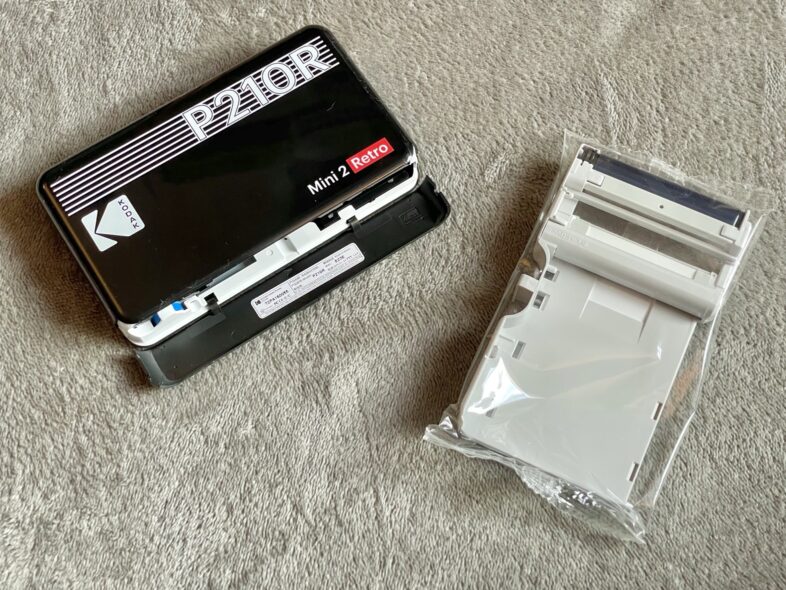

We decided we didn’t want an instant film printer especially as I planned to print my already film style Papershoot images, and the quality of dye sublimation printing beats Zink photos by a mile.
The Kodak won over the other printers using similar technology because their refill cartridges, which include the dye and paper, are much cheaper than those for the Polaroid Hi-Print or the Canon Selphy. The Canon also lost points as it prints square bordered polaroid style photos, and I liked the borderless photos in a more traditional aspect ratio that the Kodak prints.
Kodak’s app is pretty simple to use, and talks you through the printing process as it is happening, with each layer and then letting you know when you can remove the photo. Changing the cartridge is also really easy; you just open up the side, pull out the old cartridge, and slide in the new. Each cartridge does 10 prints.
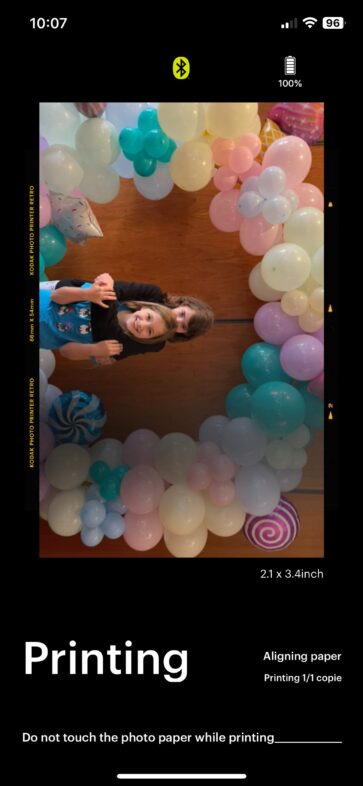
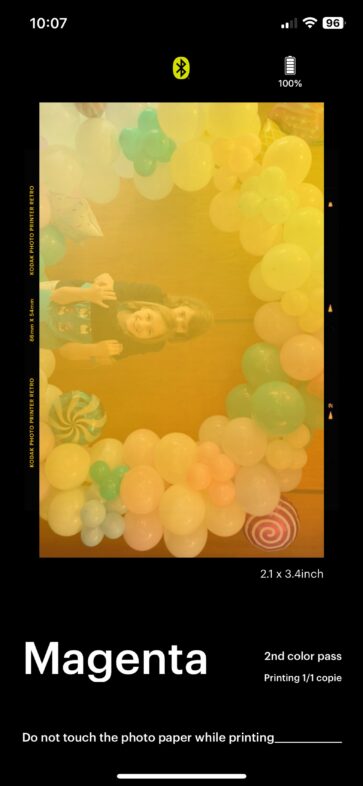
I love being able to quickly print small photos to peg up on the wall and so on – with all of our photography being digital it is easy to have a library full of photos that only ever stay on the screen.
The prints seem very good quality considering the size of the printer, and miles better than the Zink pictures from the HP Sprocket – much clearer & better colours too. They aren’t as good as having photos professionally printed, obviously, but are definitely comparable to using our Epson Ecotank home printer on high quality with pricey photo paper.
Sending off for canvas prints to put up is something we have done in the past, but we only have so much room to display large canvases, whereas a display of smaller photos can be easily changed and updated over time, especially when printing the photos is super quick and easy.
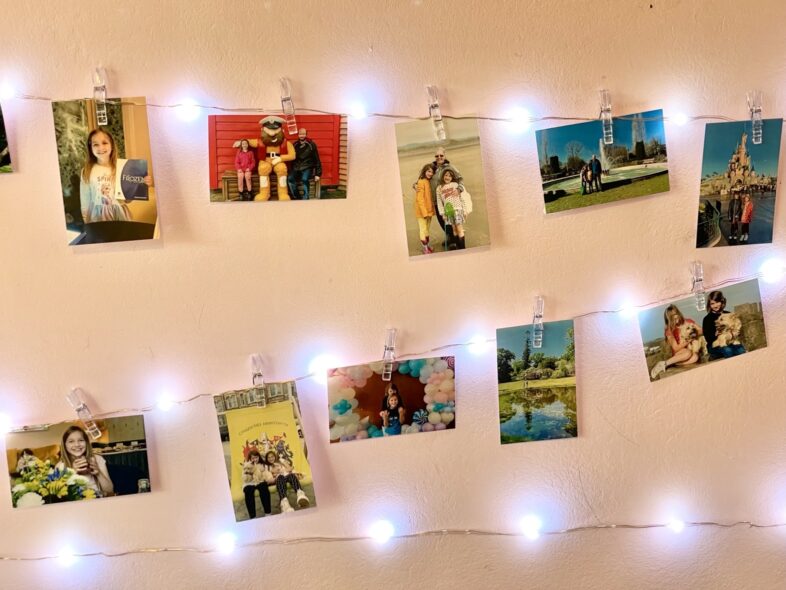
So there you have it, what we’ve been using for the past few years to have more fun with our photography, especially our family photos. With our new toys, I definitely take more photos for the pleasure of it while we are out & about. I love my Papershoot camera, and so far I am really enjoying my Kodak printer, though I have only had it a week! Time will tell if I have any problems with it, but reviews online were generally positive too.