Ad disclosure: This product was sent to us free of charge for the purpose of this review, and represents our honest opinion of the product.
Product: Pebble Gear Frozen 2 Kids Tablet
Price: £99.00
Age Range: 3 – 8 years
Manufacturer’s Description: Learn and play with Elsa, Anna, Olaf & more of your favourite Frozen 2 characters. Exclusive Frozen 2 apps, games & e-books. Access to over 500 additional games & apps. No in-app purchases, zero ads, full parental control
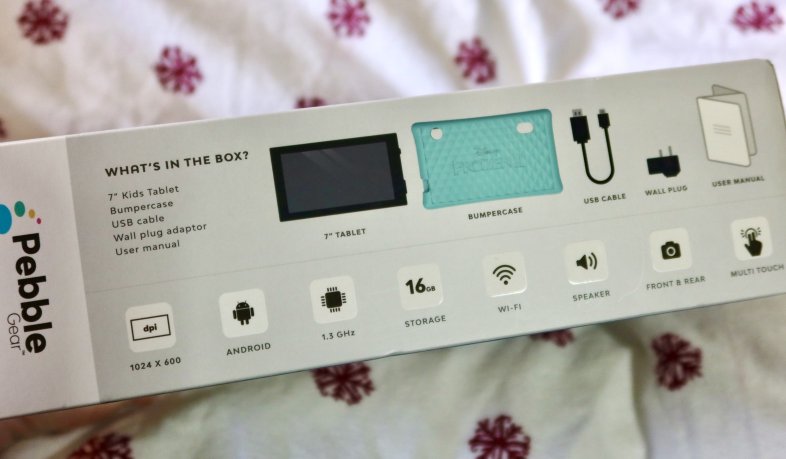
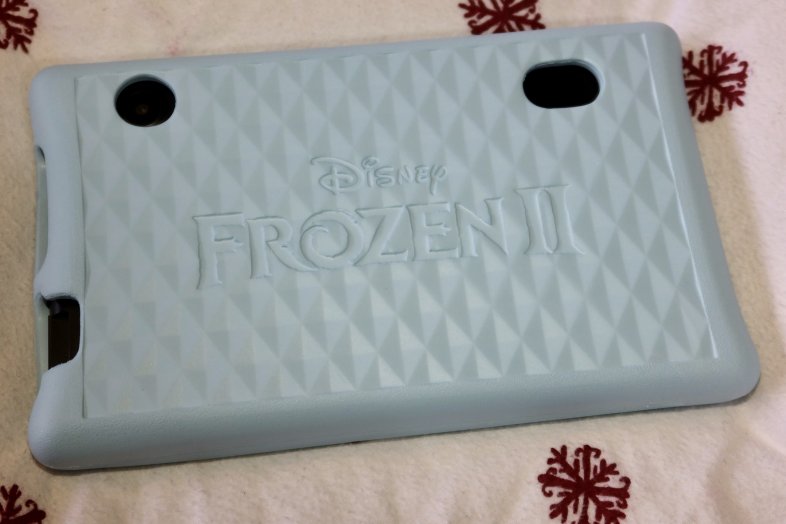
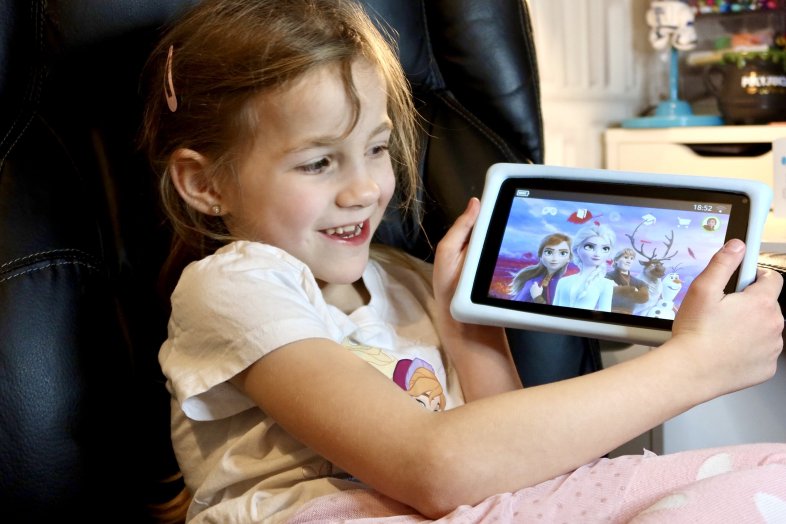
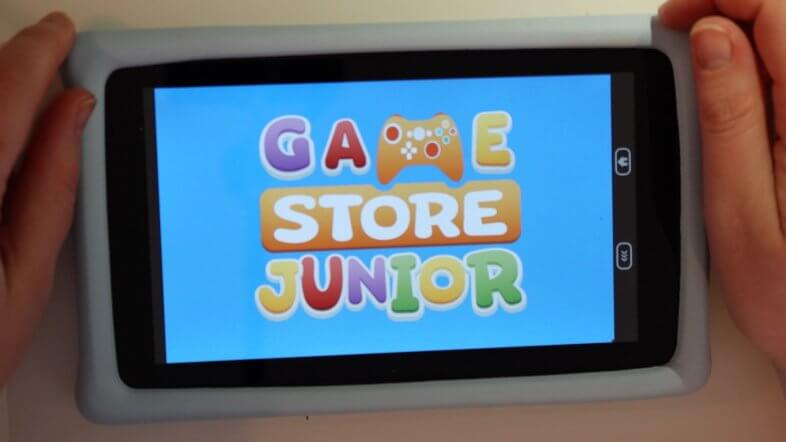
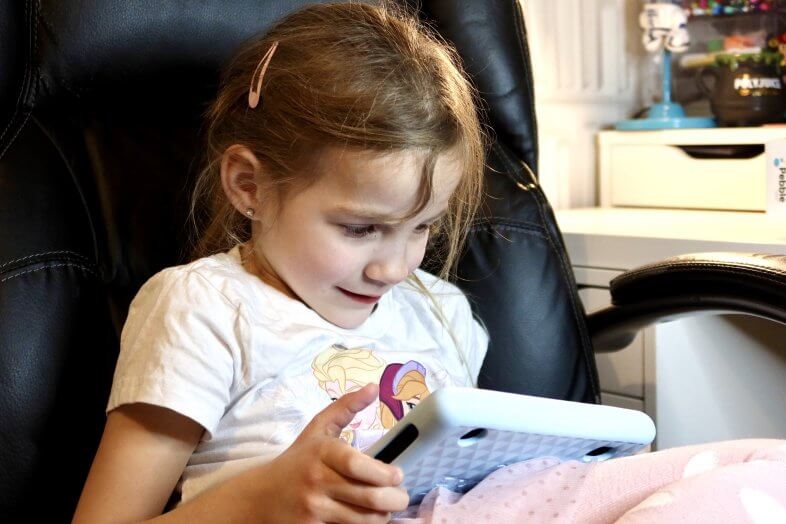
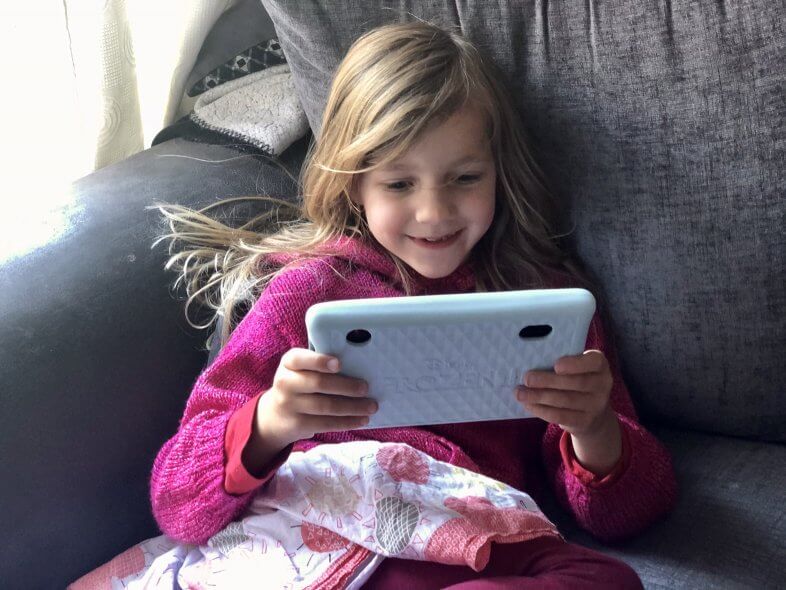
Rating: (4/5 stars) Review: We were sent this tablet a while ago to review, but then got slightly distracted by getting ill with coronavirus and having to juggle lockdown homeschooling and work, whilst still recovering. Long story short; it’s had a few months of testing for this review – sorry about that! The Pebble Gear tablet comes well packed, and the box contents are: the tablet, the themed bumper case, a USB cable, and a charging plug – as well as a start up guide. This tablet has 16GB of internal storage, a 7 inch 1024 x 600 px screen, a quad-core 1.3 GHz processor, a 0.3MP front camera, 2MP rear camera, speaker, headphone jack, and one charge gets you up to 7 hours of play time. The bumper case fits onto the tablet snugly, and you are guided easily through the initial setup process. You can add up to four profiles on the tablet, and set each one separate access times and limits, as well as make certain apps off limits. This tablet is really easy to use for young kids, with a fun themed home screen that splits apps into several categories; games, educational apps, books, and media. New apps can be downloaded from the GameStore Junior which has a whole range of games and educational apps to enjoy – without a video in sight! There will be no vegging out in front of cartoons with this tablet, everything is interactive (although we did test – and YouTube is accessible & working in the browser if you whitelist it!). The GameStore Junior apps are included free for the first year. After that, they are going to charge for access to all the included apps. At the moment they have the prices set to £4.99 for one month, £12.99 for three months, or £39.99 for a year, which is pretty good value. The main tablet parental controls are accessed via a pin, which can only be reset via the parent’s email address, which is a nice touch to stop canny kids resetting it themselves. We found a kid safe web browser hidden away in the app list in parental controls – after enabling this we were able to white-list websites such as the school site and bbc bitesize, for Lydia to use for her home schooling – but it doesn’t display PDFs, unfortunately. It’s pretty easy to white-list websites via the browser settings, which aren’t hidden in the tablet parental area, but within the browser itself. You just have to go to the browser settings, which are protected by a multiplication question, and then add a website to the list. In our house, this is as simple to access as saying out loud in almost any room, “Alexa, what’s 17 times 16” (or whatever the question may be) – a fact our kids are well aware of. If this is a problem, however, you could just disable the app completely. In the parental area you can see how long they have been spending on each app, which is useful for monitoring screen time for younger children especially. At £99.00 this tablet is a decent enough budget option if you are looking for a worry free tablet for your kids – this thing is so locked down you don’t ever have to worry about them accessing content that isn’t specifically curated for ages 3-8. The hardware is solid and it seems well built, it’s not too heavy or unwieldy to hold, and Lydia has been delighted with it. We did, however, run into a number of problems. Originally there was no camera app so we were unable to use the front or back cameras – but this was down to us having a pre-production unit for testing, and eventually a software update was released that included a basic camera app. The problem now is we can’t get any photos the kids take off the device – we’ve tried two different microSD cards and the option to copy photos onto the card remains greyed out, and we can’t see anywhere in the settings that show it recognises that there is an SD card In there at all. Like I say, problematic. The tablet also doesn’t show up as a camera, and plugging it into a computer just shows a blank drive where you’d hope to see image files to save. Hopefully these problems can be ironed out in future updates. We also experienced a few laggy moments, but that is to be expected with this level of spec tablet. As tech geeks we are used to being able to customise more settings than the brightness and WiFi settings, so not being able to do much at all in the parental area was a bit frustrating for us. There is no ‘check for updates’ button – you have to restart the whole device to initiate a check in the background. The other side of this coin, however, is that it is super easy for technophobes to use! The Pebble Gear kids tablet comes in two designs at present; the Frozen 2 one we were sent, and a Toy Story branded one which comes in a yellow case. Both tablets include exclusive Disney games and books, many of which are relevant to the film they are branded. In our case, we got three Frozen 2 games and a selection of Disney books, some of which included audio recordings, which was nice. One really nice aspect of this tablet is because the built in ‘app store’ is completely curated, children are able to browse it and download whatever they are interested in without worries about whether they have to get permission. This gives them a greater independence than most other tablets – and as a parent I don’t have to worry about the nightmare that is in-app purchases, as there are none to worry about! To be totally honest, if you had £100 to spend on a kids tablet and it was between this and the Amazon Fire 7 Kids Edition, I’d probably recommend the Fire – but only by a smidge. It has almost the same specs and runs on better software with plenty of similar parental controls, and a years free Fire for Kids content – so pretty equal in terms of value for money. If you dislike Amazon, however, or want the super child friendly experience this tablet gives you, then this is a great alternative. It is easy to use, extremely intuitive for young children, and Frozen fans like Lydia will adore the case & themed software. We give the Pebble Gear 4 stars.