Disclosure: This product was sent to us free of charge for the purpose of this review. However, as per my PR Info page, this review represents our honest opinion of the product. This post may contain affiliate links.
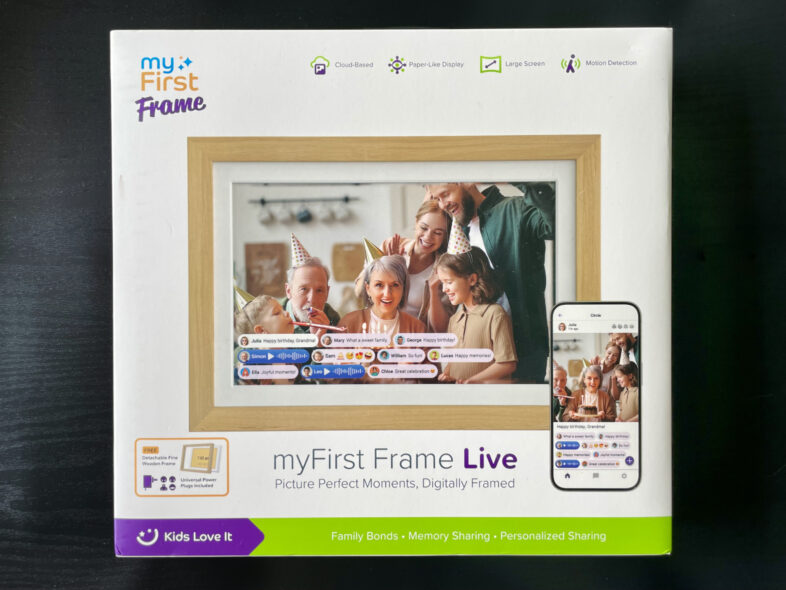
Product: myFirst Frame Live
Price: £129.99
Manufacturer’s Description: Introducing the myFirst Frame Live, a groundbreaking digital frame with a 16:10 aspect ratio that expertly frames every cherished moment, enhancing your viewing experience. The Frame Live seamlessly integrates with our myFirst Circle app, allowing you to easily share photos or videos with your loved ones for displaying on its anti-glare matte screen.
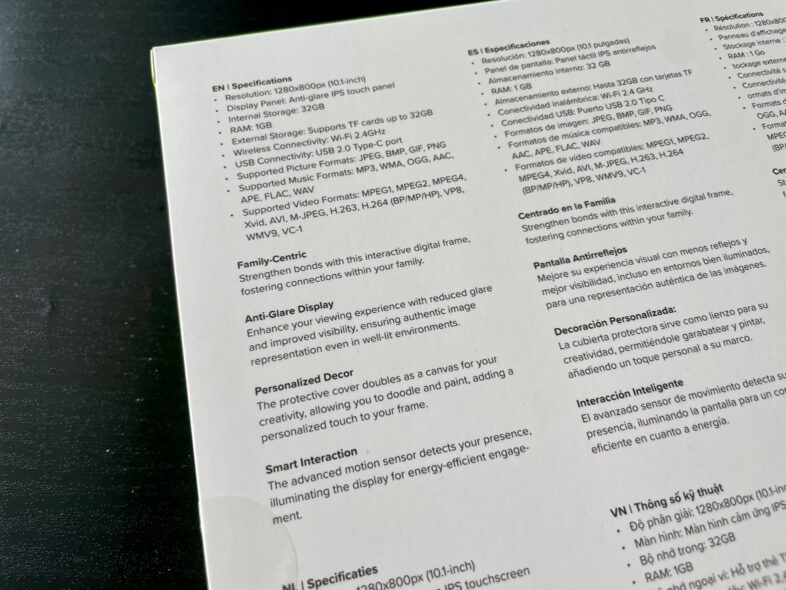
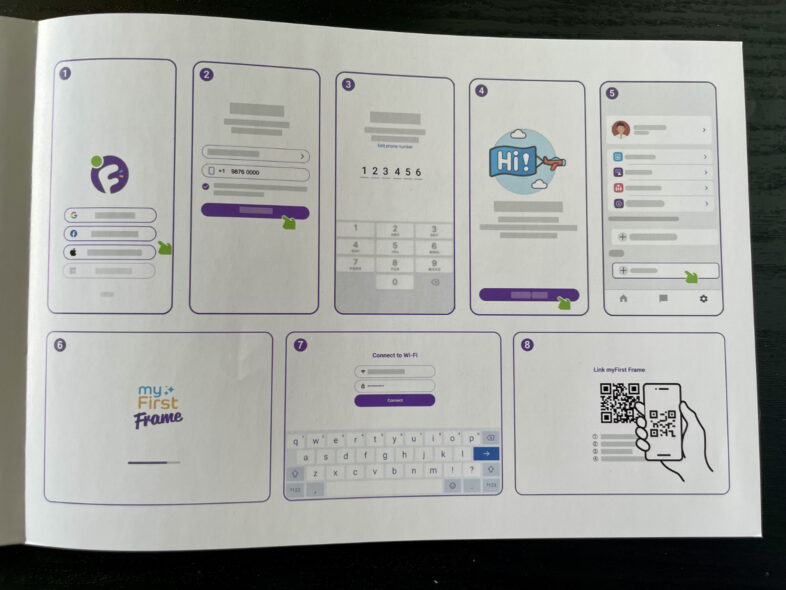
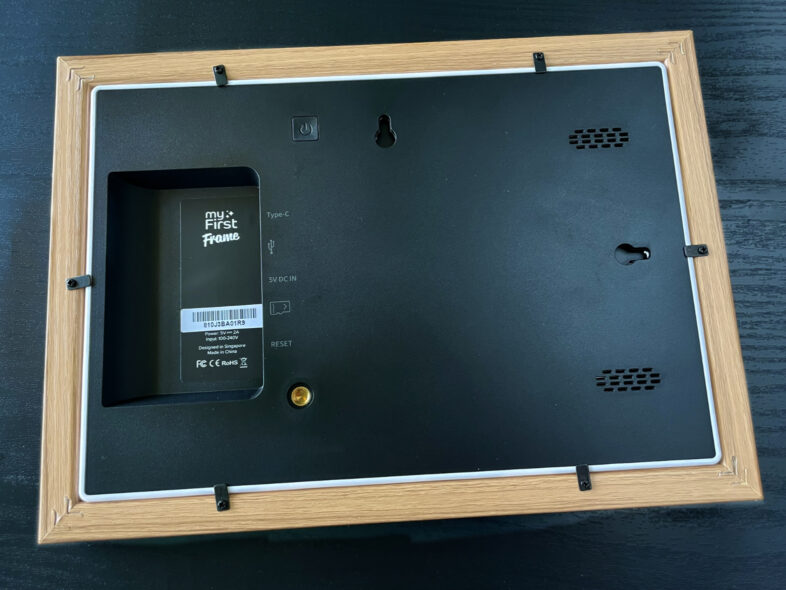
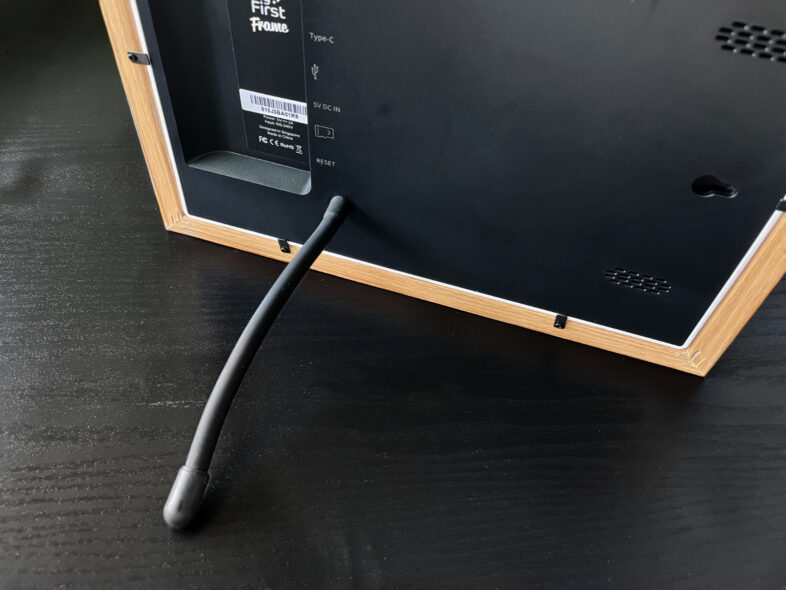
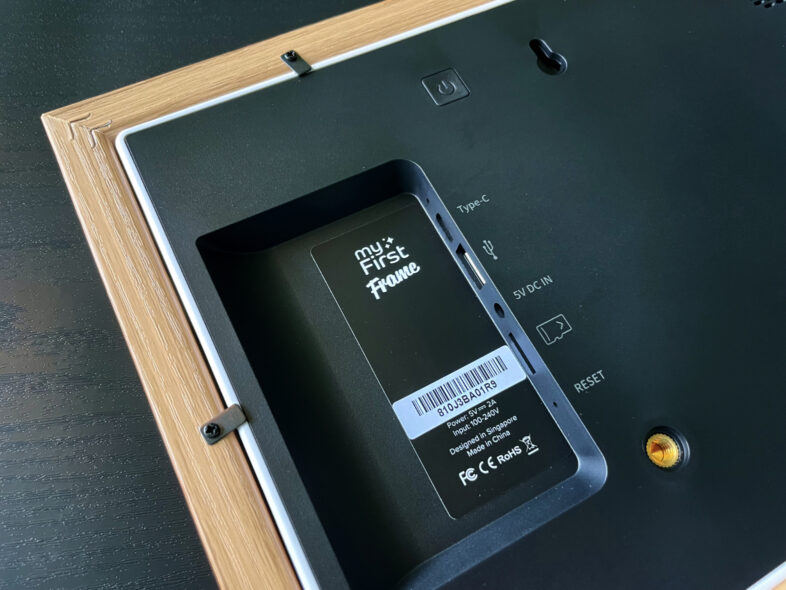
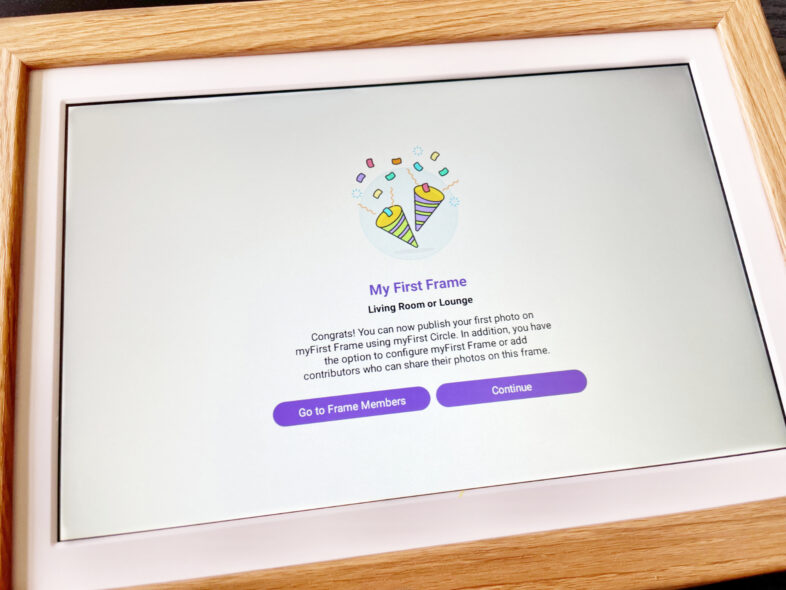
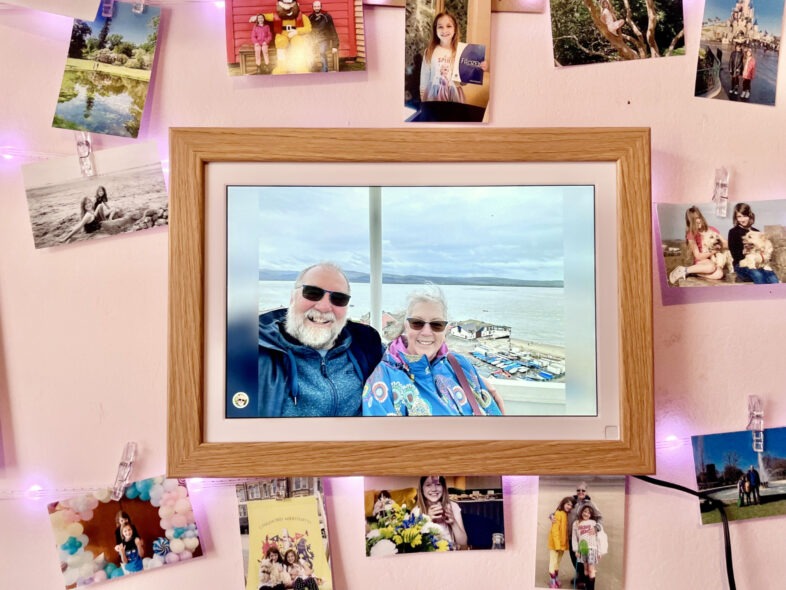
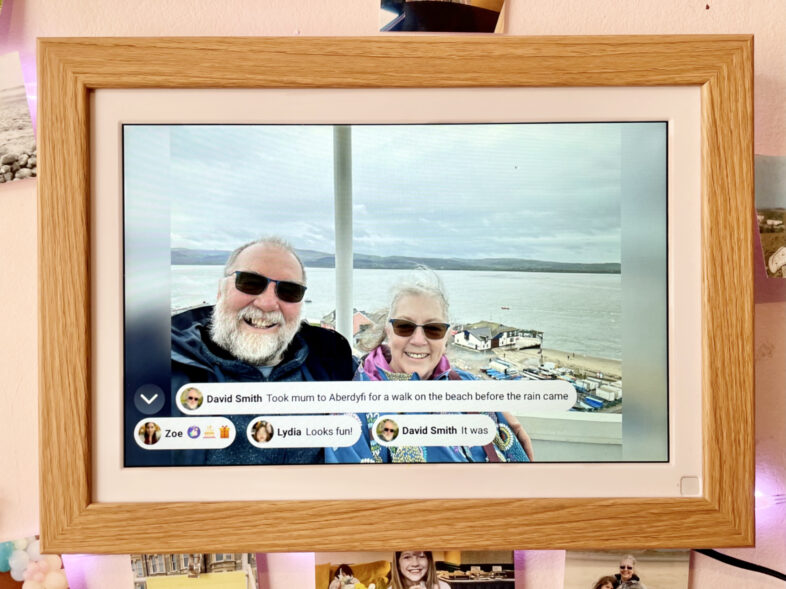
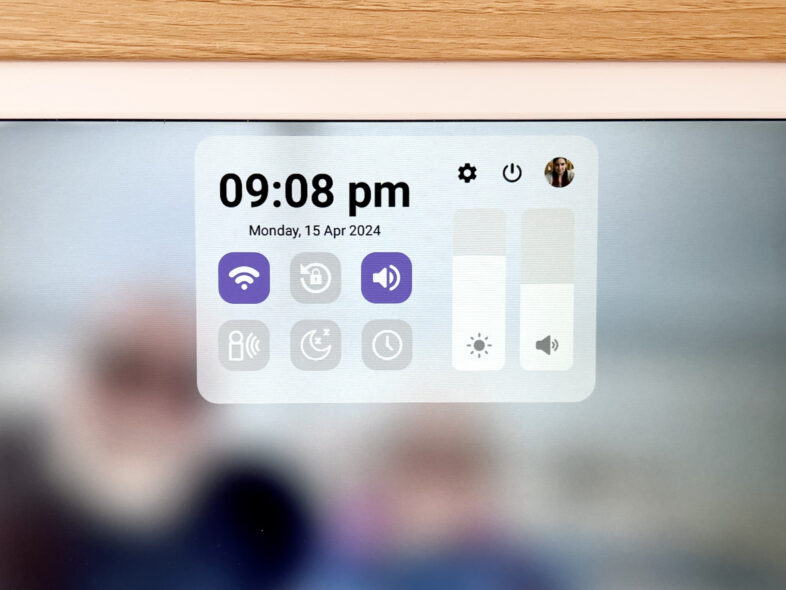
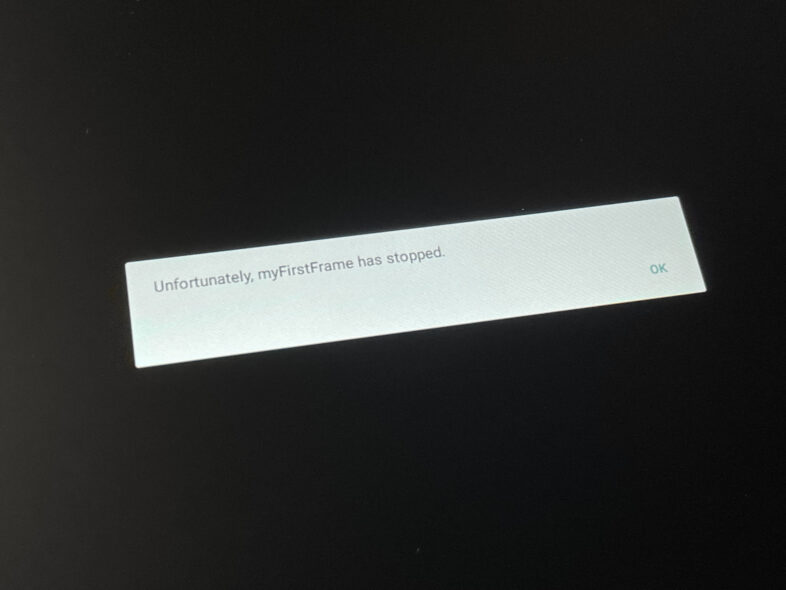
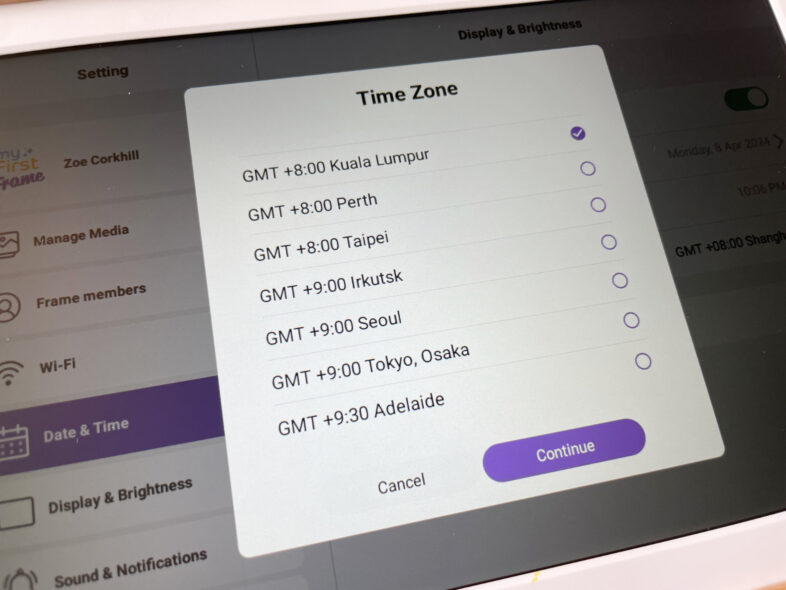
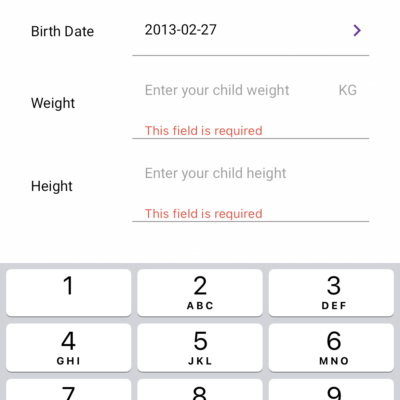
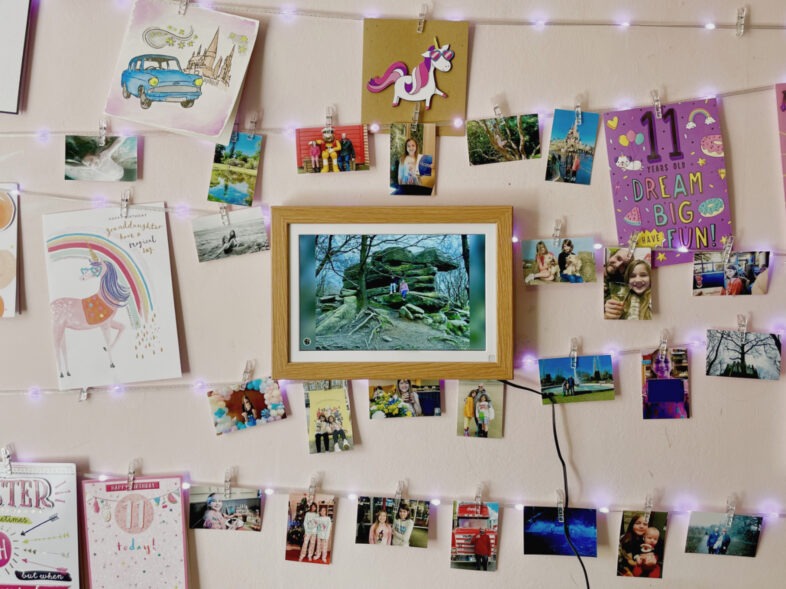
Rating: (3/5 stars) Review: We were sent the myFirst Frame Live to review a few weeks ago and have been putting it through its paces since. Digital photo frames aren’t a new concept, but they have improved by leaps & bounds since they were first released, and myFirst aim to improve them again by integrating their new myFirst Circle social network into the software. As a digital photo frame, this product ticks the boxes as far as specs are concerned. The 10.1 inch screen has a resolution of 1280 x 800px and is a touch screen allowing you to interact directly with the software. It has 32GB of internal storage which gives you plenty of space for photos & videos, and the 1GB of RAM gives it enough memory to run fairly smoothly. Photos can be manually loaded onto it using a MicroSD card or USB stick, and it can also be plugged directly into a computer using a USB-C cable. It has a motion sensor so you can set it to only display for a short while after motion is detected. It has a nice matte screen which cuts down on any problems with glare, and the optional wooden frame looks lovely. The included flexible prop allows you to stand it up at an angle to suit you, and it can be stood or hung up in either portrait or landscape orientation. The included power cable includes swappable power adapter in case you ever need a non-UK plug for it. Inside the box you will also find some stickers that can be used to decorate the frame – if you are using it in a child’s room you could remove the wooden outer frame and allow them to decorate the plastic frame, although they also sell a Doodle model aimed at younger users. Where we ran into issues, however, was with the software side of things. We downloaded the myFirst Circle app on our iPhones, and asked my parents to sign up and join our ‘family’ circle too. Think of it like instagram but limited by social circles, so you share everything with family, a bit less with besties, less still with friends, and just your most public of posts with acquaintances. The idea is that in addition to any photos & videos you manually load onto the frame, that photos shared to your social circle feed then appear on the frame – along with any reactions and comments on the photo. You can opt to show or hide the captions & reactions to the photos by tapping on the small profile picture in the corner – which tells you who posted the image. If you don’t want to see a particular person’s photos appearing, you can disable them in the settings. The girls were delighted when a photo of my Dad taking Mum out on her birthday appeared on the frame, and quickly commented on it using their phones. You can also comment directly from the frame by doing a long tap on the photo, but that registers the comment as coming from my account as the one that it is linked to, and the girls prefer to have their comments under their names. This all sounds great and if it was working as seamlessly as it says it is going to, that would be fantastic. However, it feels like a product that is still in the testing phase. We have already had updates to both the iPhone app and the Frame OS in the time we’ve been trying out the product, but although this may have fixed one thing it seemed to make another worse. Problems we’ve encountered include – but aren’t limited to – not being able to set the correct timezone in the frame settings, James’ photos not appearing in my circle feed if he was in our nuclear family, comments and captions randomly not showing up on the frame display, photos disappearing from the frame completely, issues adding photos to our feeds, captions from social feed photos showing up on local storage photos, getting an incorrect error message when attempting to comment on local storage photos, the frame app crashing… the list goes on and for a while, basically. I did submit a support request for one of these problems but didn’t get a reply. The timezone bug in particular is just really weird. I’ve never seen a timezone selector that only allows you to choose from only seven timezones – all between GMT +8:00 and +9:30. You can set the time manually to compensate but it would still think you’re the other side of the world. One thing that has started since the latest iPhone app update is that it is now informing us that the girl’s locations are both in Kuala Lumpur – more specifically in the region of the Central Market. Both of them have apple devices with the circle app installed, but it doesn’t use that to track location the way an app like Life360 does, so goodness knows why they’ve gone from having no location to that. The social feed has been added onto the existing myFirst software which connects with their own brand smartwatches and phones for children, so the location tracking is part of that existing functionality. The way the app works makes it quite difficult to navigate at times. I also wasn’t a fan of having to input the girls’ height and weight in add to open their child accounts. Why on earth would they be required fields?! Also, although the frame supports video files you can’t share videos on your circle feed meaning these can only be put onto the frame manually. The product page says you can share videos to your feed but we’ve not been able to with the iPhone app – perhaps this feature is coming soon? Basically, the hardware is really quite nice – the frame looks great with a lovely bright crisp display and decent quality build – but the software lets it down in a big way. You could definitely use it without the social features and be absolutely fine as it is – although if you didn’t want the social aspect then I’d be more inclined to get one you can load content on via WiFi through an app or similar. But the selling point – its unique appeal – is down to the myFirst Circle social feed. Being able to see photos that family put on the feed appear on the screen, along with their caption – and then commenting and seeing your reaction along with everyone else’s – is what is really fun about this digital photo frame. Yes, we have shared photo albums within our family that we all subscribe to and comment on, but they aren’t automatically on display in our living room. The social features are mostly usable right now, but fairly frustrating. If it weren’t for the bugs, I’d be giving this frame a four star rating. As it is, however, I give it three. Hopefully I can come back to this post in a few months once everything has been ironed out and update it with some good news. Right now, however, the myFirst Frame Live is a great idea, but it fails on functionality.