Disclosure: This product was sent to us free of charge for the purpose of this review. However, as per my PR Info page, this review represents our honest opinion of the product. This post may contain affiliate links.
Product: 8BitDo Ultimate 2 Wireless Controller
Price: £59.99
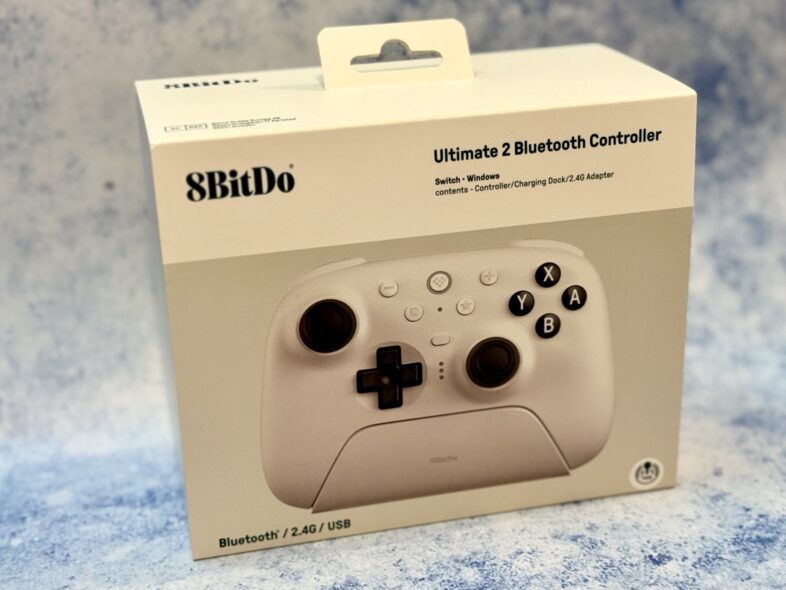
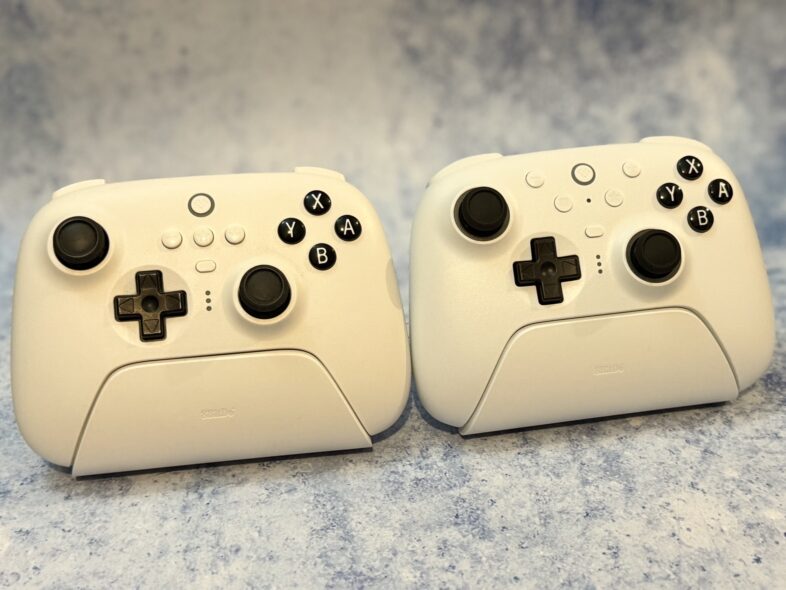
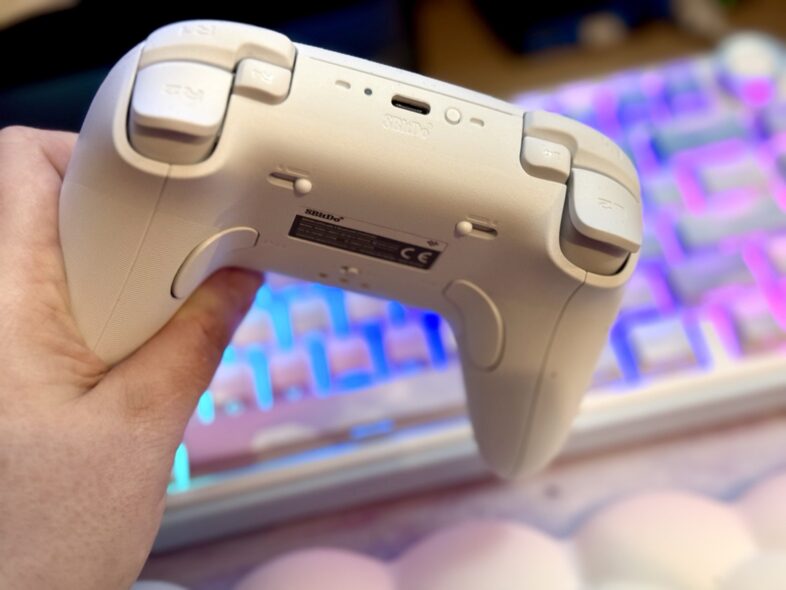
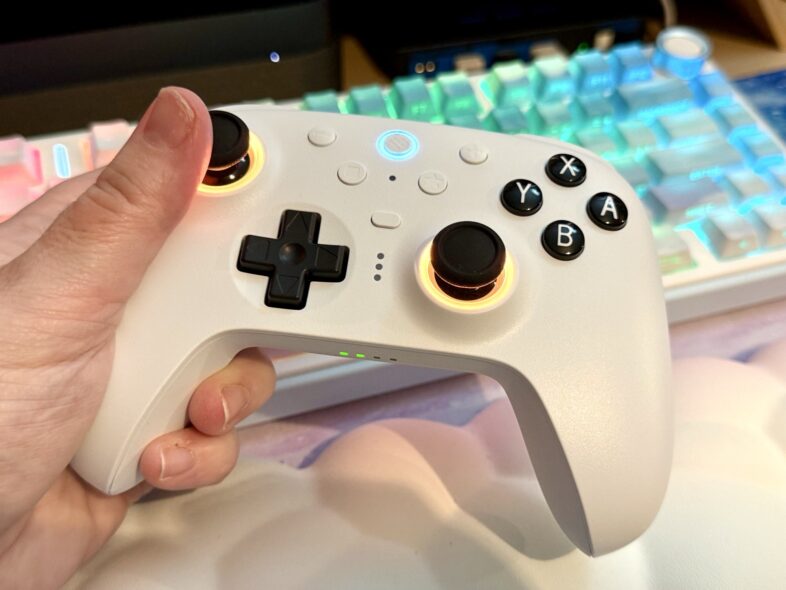
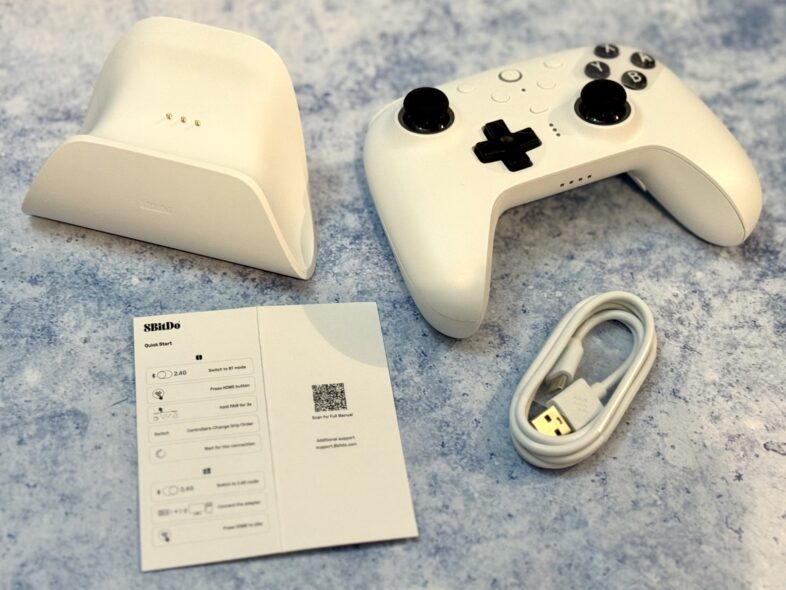
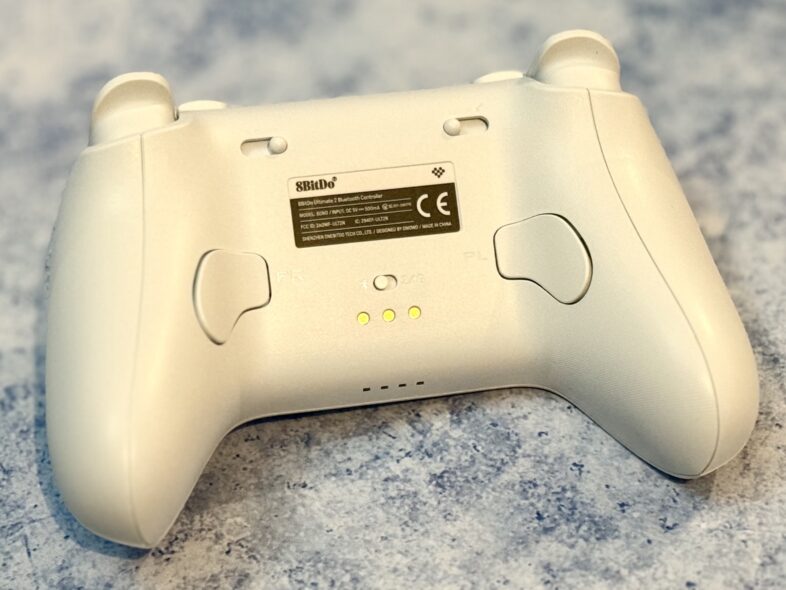
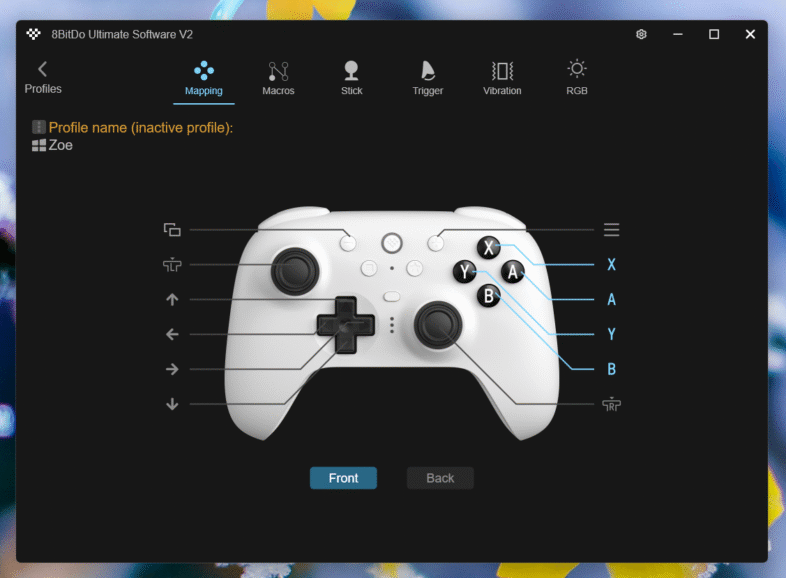
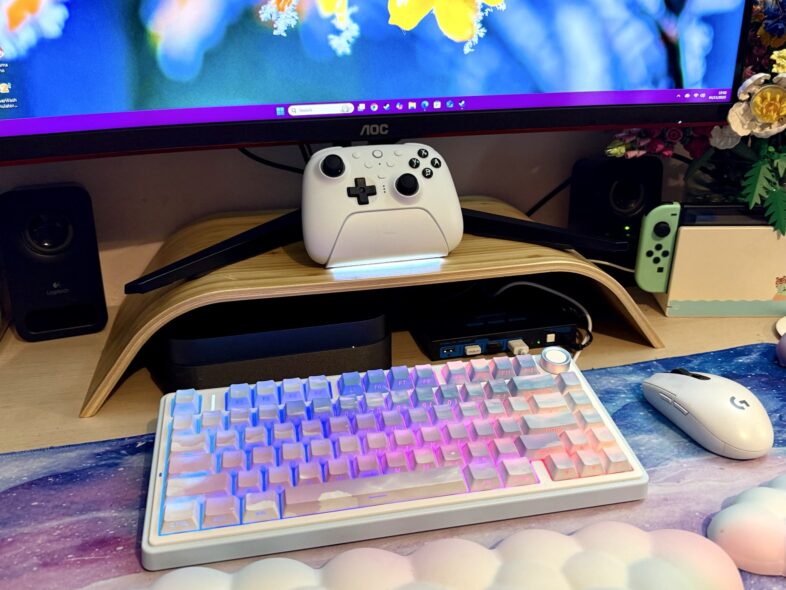
Manufacturer’s Description: The latest controller in the 8BitDo range of supreme controllers is now available for players across the EU after making big waves within North America. The 8BitDo® Ultimate 2 Wireless Controller brings the company’s flagship accessory, fully upgraded for next-level performance, compatible with Nintendo® Switch™1, Switch 2, and Windows® devices. Review: As a family full of gamers with a mix of systems, we’ve tried our fair share of controllers. Our favourite third-party brand has long been 8BitDo, so I was delighted to be sent the latest iteration of their Ultimate Wireless Controller to review. The Ultimate 2 improves on the original in several ways: newly added remappable “fast bumpers” on the shoulders, wear-resistant joystick rings, TMR joysticks, and Hall Effect trigger buttons that can switch between linear Hall Effect and non-linear tactile modes. There’s also a new square function button on the front of the controller. The TMR joysticks are more sensitive and precise than before, while also using less power than the v1 — always a bonus. The new R4 and L4 bumpers are surprisingly easy to reach with my fingertips, and they don’t interfere with my normal grip, meaning accidental presses aren’t an issue. And I can admit that both Lydia and I are complete suckers for bright, shiny lights, so the RGB “Fire Rings” around the joysticks made us very happy. I could pretend I’m above caring about this, but my RGB mechanical keyboard and our glass-sided glowing gaming PC would make that a lie pretty quickly. Inside, you get the Ultimate 2 controller, a decently long USB-A–to-C cable, the charging dock, and a quick-start guide. Hidden inside the dock is a 2.5GHz USB-C dongle. The dongle comes already cleverly plugged into the dock, tucked behind the bottom panel. This lets you choose between docking for both charging and PC connection, or removing the dongle to plug directly into another device. It’s a small thing, but I really appreciate the flexibility. The controller feels fantastic in the hand, with excellent build quality and no irritating seams. As someone with slightly smaller hands, I’ve never gotten on with Xbox controllers — they’re simply too bulky. The Ultimate 2, however, is very comfortable. Compared to the Ultimate 1, the grip texture has been refined. Instead of the rougher v1 surface, this model uses a subtle, smoother texture that’s easier on sensitive skin while still offering good grip. The charging dock is delightfully simple: the controller slots in quickly and begins charging, marked by a subtle light at the base. The controller needed a quick firmware update, which was easy with the 8BitDo software. The software itself is impressively customisable, letting you remap buttons, adjust vibration intensity, change RGB lighting modes, and set macros. This “Switch & Windows” version uses the A/B/X/Y layout found on Switch controllers, which I actually prefer when playing on Windows too. Setting up the button mapping in the software was straightforward, and with three custom profiles available, switching between my settings and James’s settings is easy. There are a couple of Switch-specific quirks: the back paddle buttons aren’t natively supported on the Switch 2 the way the new Pro Controller’s paddles are, though they’re still easy to set up through the software, the iOS app, or via button combinations on the controller itself. Also, unlike the Ultimate v1 on the original Switch, the Switch 2 can’t be woken from sleep with this controller. We’ve owned a few 8BitDo controllers in the past, and James especially uses the first-generation Ultimate a lot. He has always preferred the feel of it to the Switch 1 Pro Controller, so it was no surprise that he continued using it with the Switch 2. He also uses a ROG Ally, and his preferred controller for that has always been the 8BitDo Ultimate, with the dock plugged into his Ally dock to take advantage of the 2.5GHz connection. So he was very pleased to welcome the new and improved Ultimate 2 into the setup. We’ve set the Ultimate 2 dock on my desk, where the peripherals and monitor are shared between the Mac Mini and our Windows gaming PC. The dock — with the dongle tucked inside it — is plugged into the PC. When we want to use the controller with either Switch or with the Mac, we simply toggle it to Bluetooth and it connects straight away. It’s ideal having one Pro controller we can use across all of these devices. Beyond Windows and Switch, the Ultimate 2 does also connect to Apple devices via Bluetooth. We’re planning to pick up a new Apple TV soon, and it’s nice to know we already have a compatible controller ready for Apple Arcade. I think the price is spot on for what the Ultimate 2 offers. There are definitely cheaper controllers for both Windows and Switch, but many of them are wired or lack the precision, comfort, and general quality that 8BitDo provides. We were already fans of the first generation of this controller, and the second one builds on that excellent foundation beautifully.
Rating: (5/5 stars)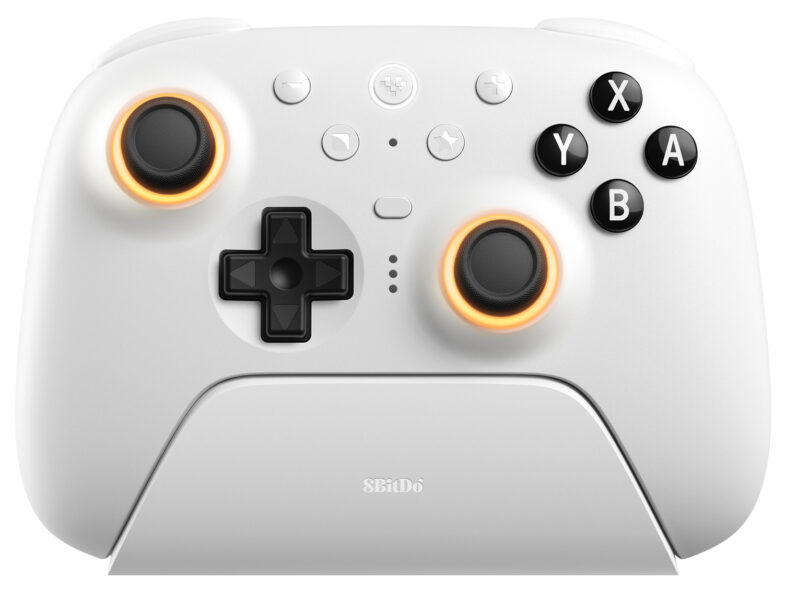
What’s New in the Ultimate 2
What You Get in the Box
Design & Comfort
Software & Customisation
How It Fits Into Our Setup
Final Thoughts